Free Online Tools
for Your Daily Tasks
Latest Blogs
View All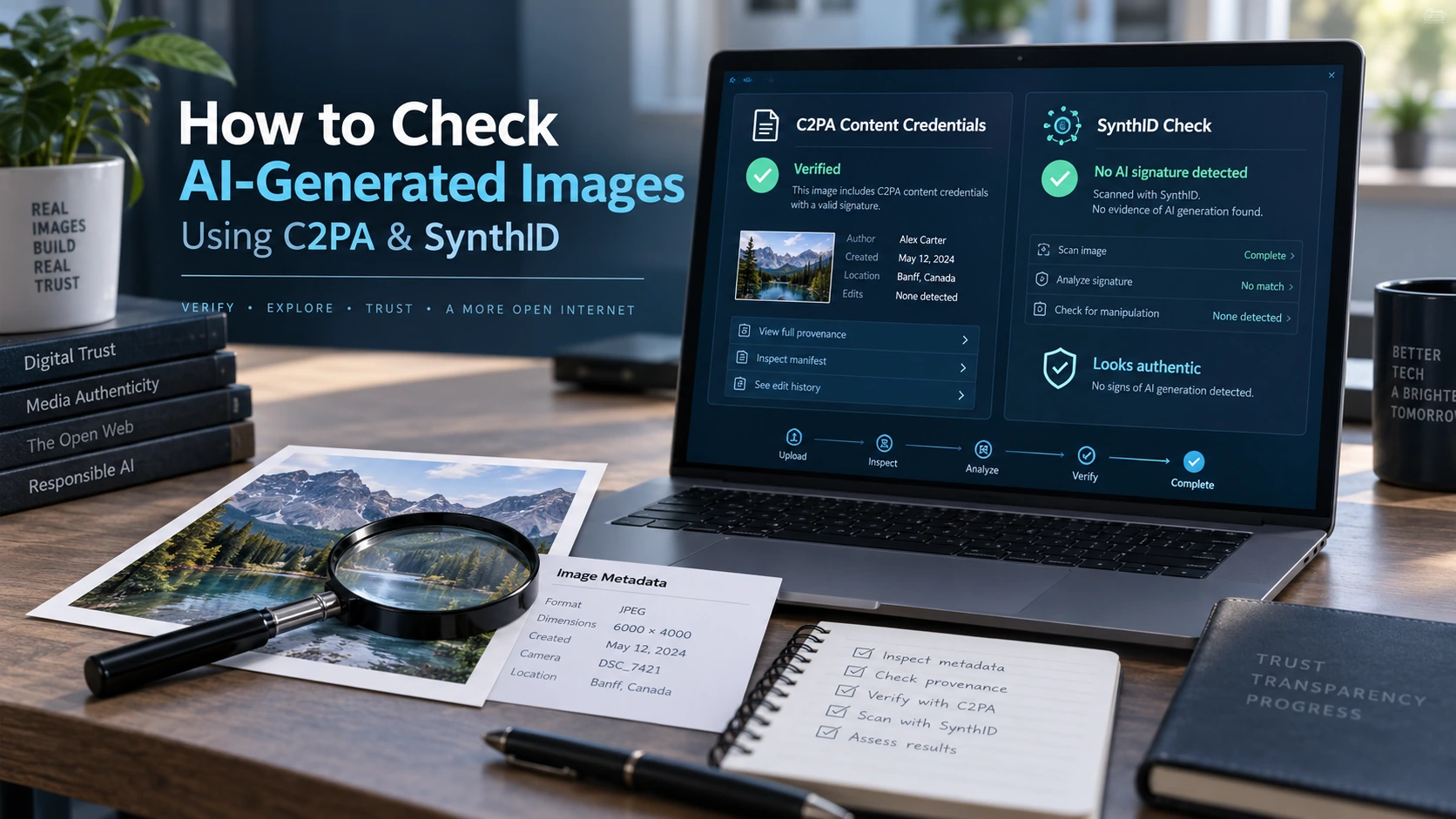
How to Check If an Image Was AI-Generated Using C2PA and SynthID
07 Sept 2026
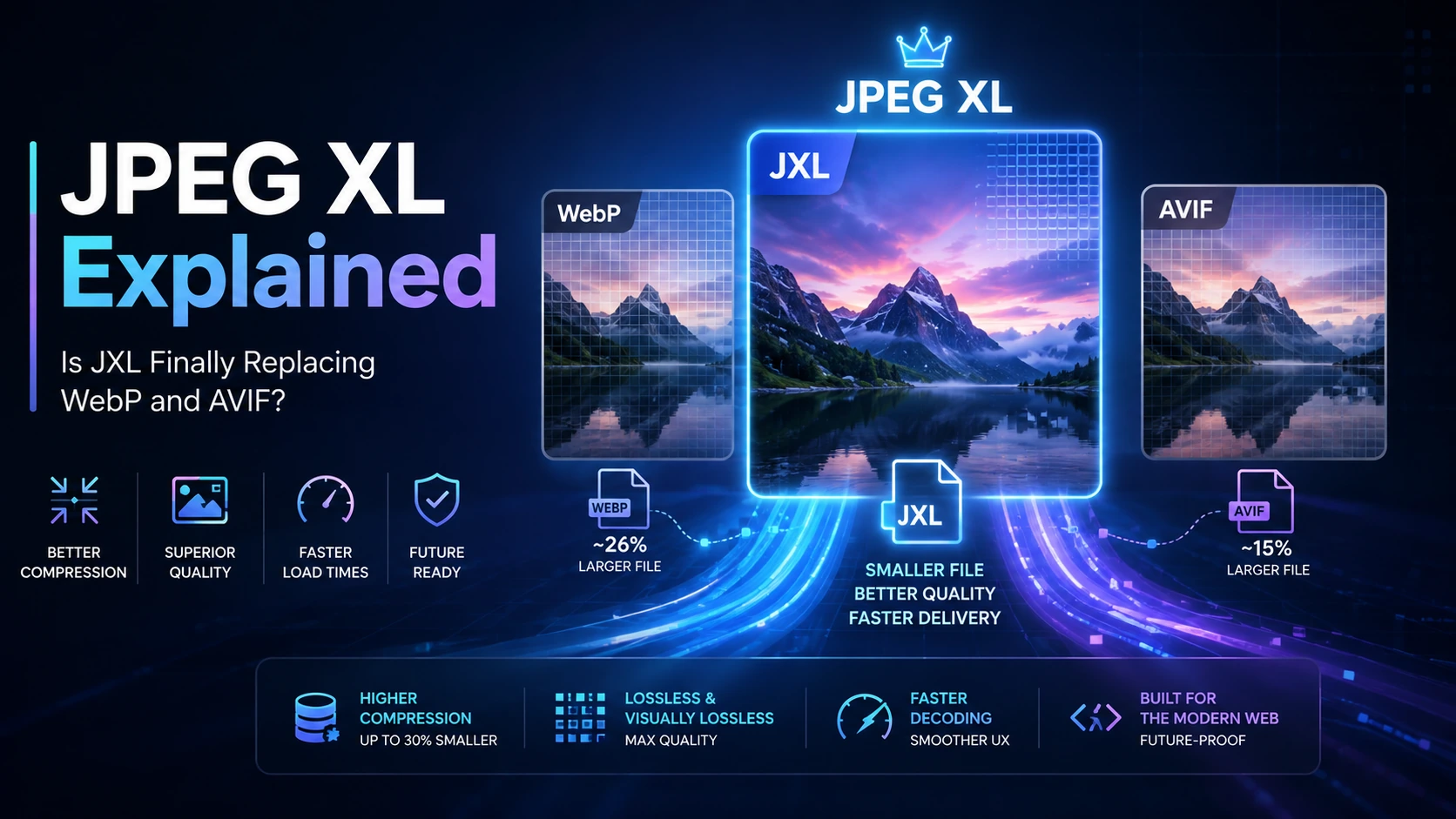
JPEG XL Explained: Is JXL Finally Replacing WebP and AVIF
31 Aug 2026

How Small Creators Are Building AI SaaS Products
17 May 2026

Browser-Agent Sandboxing: Making AI Browsers Safe in a Risky Web
28 Apr 2026

Humanoid Robots: Are We Closer Than We Think?
24 Apr 2026

AI Agents Are Replacing Apps: Future of Internet in 2026
19 Apr 2026
Convertixy provides a comprehensive collection of online utilities to help you work more efficiently. Our tools cover PDF processing, image optimization, text editing, calculations, and file conversions.
Most Popular Tools
Start with our most used tools for quick and efficient file processing
PDF Merge
Combine multiple PDF files into a single document efficiently.
PDF Split
Extract and separate individual pages from PDF files.
Image Compressor
Reduce image file sizes while maintaining visual quality.
PNG to JPG Converter
Convert PNG images to JPG format for better compatibility.
Word Counter
Count words, characters, sentences, and paragraphs in text.
Meta Tag Generator
Create optimized meta tags for better search engine visibility.
All Available Tools
Browse our complete collection of 65+ professional tools
Image Compressor
Reduce image size without losing quality.
Image Resizer
Resize images by width and height.
PNG to JPG
Convert PNG images to JPG format.
JPG to WebP
Convert JPG images to WebP format.
WebP to PNG
Convert WebP images to PNG format.
SVG to PNG
Convert SVG vector to PNG bitmap.
PNG to ICO
Create ICO icons from PNG images.
Images to PDF
Combine JPG/PNG images into a single PDF.
Image Cropper
Crop images with aspect ratio options.
JPG to PNG
Convert JPG images to PNG format.
Google Discover Image Optimizer
Optimize images for Google Discover (1200x700px, enhanced contrast/brightness).
PDF Merge
Combine multiple PDFs into one file.
PDF Split
Split PDF pages into separate files.
PDF to Image
Convert PDF pages to images.
PDF Compressor
Compress PDF files to reduce size.
PDF Password Remover
Remove PDF passwords online.
How Convertixy Works
Everything you need, all in one place
No Cost Required
Most tools are available at no charge. Advanced AI features may offer clearly priced optional plans.
Browser-Based
Tools are accessed through your web browser, so no software download or installation is needed.
Local Processing
Many file utilities process data on your device. Server-dependent tools are identified in our privacy information.
Instant Access
Most free tools work without an account. Accounts are used for premium access and subscription management.
Responsive Design
Interface adapts to different screen sizes. Works on desktop computers, laptops, tablets, and mobile phones.
Optimized Performance
Efficient code ensures quick processing. Most operations complete within seconds depending on file size.
Cross-Platform
Compatible with all major operating systems including Windows, macOS, Linux, iOS, and Android devices.
Regularly Maintained
Tools are updated periodically to fix issues, improve functionality, and add new features based on user needs.
Frequently Asked Questions
Everything you need to know about Convertixy
💰Are these tools completely free to use?
Most Convertixy tools are free to use without payment. A small set of advanced AI tools offers optional paid plans, and pricing is shown before purchase.
🌐Do I need to install any software to use these tools?
No installation is required. Convertixy tools run through your web browser; some tools process data on-device, while server-dependent and AI features securely send the submitted input for processing.
🔒How secure are my files and data?
Many file tools process inputs locally in your browser. Tools that require an online service depend on server-side processing. Avoid submitting highly sensitive information and review our Privacy Policy for details.
📱Can I use these tools on mobile devices?
Yes, all tools are fully responsive and optimized for mobile devices. They work seamlessly on smartphones, tablets, laptops, and desktop computers across all operating systems.
🛠️What types of tools are available on Convertixy?
Convertixy offers 65+ professional tools including PDF manipulation (merge, split, compress), image processing (compression, conversion, resizing), text utilities (word counter, formatters), SEO tools (meta tags, URL encoding), calculators (BMI, loan, percentage), and file converters.
✅Do I need to create an account or register?
Most free tools do not require registration. An account is required only for features such as premium access, subscriptions, and account management.
📊Are there any file size limitations?
While our tools can handle most standard files, very large files may be limited by your browsers processing capacity. For optimal performance, we recommend files under 50MB for most operations.
💼Can I use these tools for commercial projects?
Yes, you can use all tools for both personal and commercial projects without any restrictions or attribution requirements.
Ready to Get Started?
Start using our free tools now and experience the convenience of browser-based file processing.
Browse All Tools