Best Image Sizes for Instagram, Facebook and Websites (2026 Guide)
By Convertixy Editorial Team
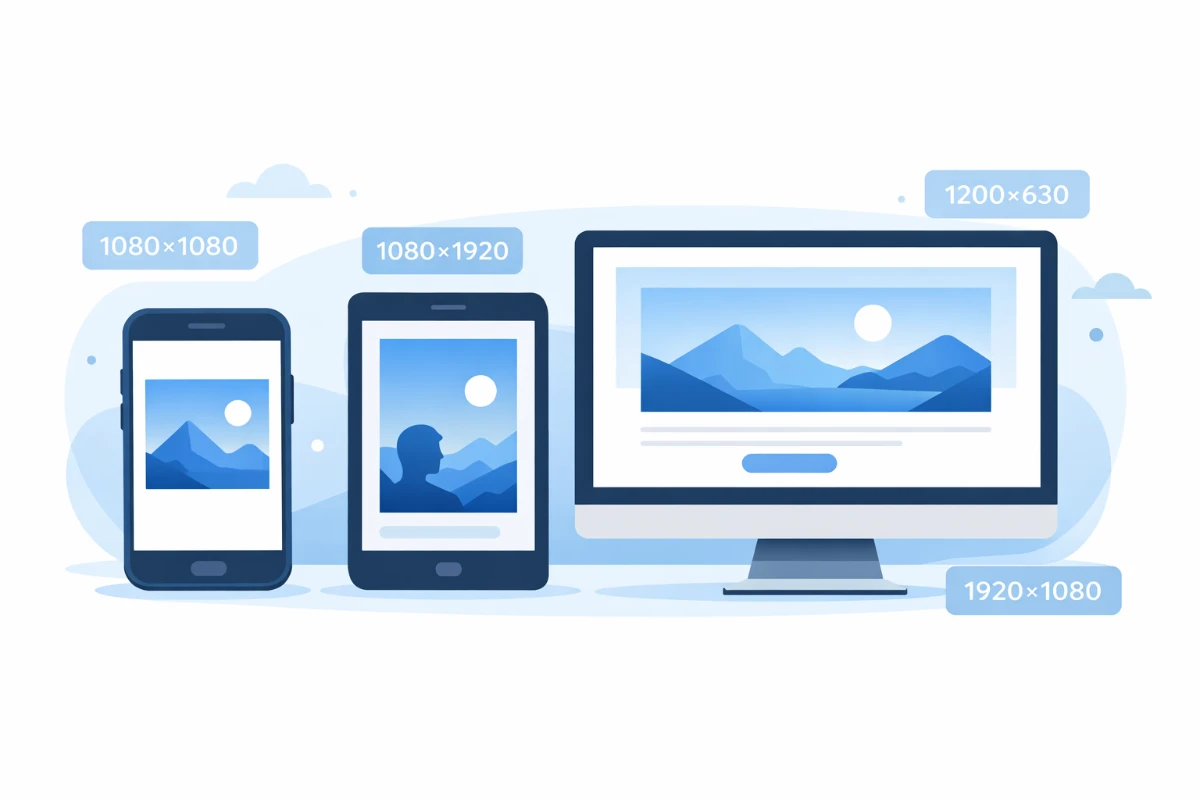
If you have ever uploaded a photo on Instagram and it looked weird or got cropped from the sides, you are not alone. This happens to almost everyone when they first start posting online.
The truth is, every platform has its own preferred image size. Instagram wants something different. Facebook wants something different. And your website has its own requirements too.
Nobody tells you this when you sign up. You just find out the hard way when your beautiful photo looks blurry or cut off.
So in this post, I am going to break down all the correct image sizes for Instagram, Facebook and websites in 2026. Simple, clear and easy to remember. No confusing tech talk.
Let us get into it.
Why Does Image Size Even Matter?
Before we jump into the numbers, let us quickly understand why this even matters.
Every platform has a specific area where it displays images. If your image is too small, it looks blurry and pixelated. If it is too big, the platform crops it automatically and sometimes it cuts off the most important part of your photo.
Getting the right size means:
- Your image looks sharp and clear
- Nothing important gets cropped out
- Your profile or website looks professional
- More people engage with your content because it looks good
It is a small thing but it makes a huge difference in how your content looks online.
Understanding Image Size Basics
Okay so image sizes are usually written like this: 1080 x 1080 pixels
The first number is the width and the second number is the height. Simple as that.
You will also hear the word aspect ratio a lot. That just means the relationship between width and height.
For example:
- 1:1 means equal width and height, which is a square
- 16:9 means wider than tall, which is landscape
- 9:16 means taller than wide, which is portrait or vertical
Once you understand this, all the size recommendations start making a lot more sense.
Best Image Sizes for Instagram in 2026
Instagram is mostly a visual platform so getting your image size right here is super important.
Instagram Profile Picture
Size: 320 x 320 pixels
Your profile picture on Instagram is displayed as a circle. Even though the recommended upload size is 320x320, Instagram will crop it into a circle automatically. So make sure the main subject of your photo is in the center.
Instagram Square Post
Size: 1080 x 1080 pixels Aspect Ratio: 1:1
This is the classic Instagram format. A perfect square. It works great for product photos, quotes, and general content. Most creators still use this because it looks clean in the feed.
Instagram Portrait Post (Vertical)
Size: 1080 x 1350 pixels Aspect Ratio: 4:5
This is actually the best format for feed posts in 2026. Why? Because it takes up more space on the screen which means more attention from people scrolling. If you want more engagement, go vertical.
Instagram Landscape Post (Horizontal)
Size: 1080 x 566 pixels Aspect Ratio: 1.91:1
Use this for wide shots like landscapes or group photos. But honestly, landscape posts get less engagement on Instagram because they take up less screen space.
Instagram Stories
Size: 1080 x 1920 pixels Aspect Ratio: 9:16
Stories are full screen and vertical. Always use this size for Stories otherwise your image will have black bars on the sides or top which looks unprofessional.
Instagram Reels Cover Image
Size: 1080 x 1920 pixels Aspect Ratio: 9:16
Same as Stories. Your Reels cover should be vertical and full screen. Keep the important content in the center because the top and bottom edges can get cropped in some views.
Instagram Carousel Posts
Size: 1080 x 1080 pixels or 1080 x 1350 pixels
For carousel posts, keep all slides the same size. Mixing sizes in a carousel looks messy and inconsistent.
Best Image Sizes for Facebook in 2026
Facebook is used for everything from personal posts to business pages and ads. Each type of content has its own ideal size.
Facebook Profile Picture
Size: 170 x 170 pixels
This is the minimum recommended size for a Facebook profile picture. But uploading a larger image like 400 x 400 pixels is better because Facebook will scale it down and it will still look sharp.
Facebook Cover Photo
Size: 820 x 312 pixels
This is the big banner image at the top of your profile or page. On mobile it displays differently so make sure you keep the important content in the center of the image and avoid putting text too close to the edges.
Facebook Post Image
Size: 1200 x 630 pixels Aspect Ratio: 1.91:1
This is the standard size for regular Facebook feed posts. It looks good on both desktop and mobile. If you are sharing a blog post link, Facebook will usually pull the featured image from your website so make sure your blog images are this size too.
Facebook Story
Size: 1080 x 1920 pixels Aspect Ratio: 9:16
Same as Instagram Stories. Full screen vertical image. Keep text and important elements away from the very top and bottom of the image.
Facebook Event Cover Photo
Size: 1920 x 1005 pixels
If you are creating a Facebook event, this is the banner size you need. It is wider than normal so make sure your design fits this horizontal format.
Facebook Group Cover Photo
Size: 1640 x 856 pixels
Facebook group cover photos are a bit different from regular profile covers. Use this size for group banners to make sure nothing gets cut off.
Facebook Ad Image
Size: 1200 x 628 pixels
For Facebook ads, this is the most commonly used and recommended size. It works across feed ads, sidebar ads and most placements. Keep text minimal in ad images because Facebook prefers less than 20 percent text in ad creatives.
Best Image Sizes for Websites in 2026
Website images are a little different because there is no single platform telling you what to do. It depends on where the image is being used on your site.
Blog Featured Image
Size: 1200 x 630 pixels
This is the most important image on any blog post. It shows up when you share your post on social media, in Google search results, and at the top of your article. Always create a featured image in this size.
Blog In-Content Images
Size: 800 x 450 pixels or wider
Images inside your blog post should be at least 800 pixels wide. If your blog content area is wider, go bigger. Always make sure images are high quality but also compressed so your website loads fast.
Website Hero Image (Homepage Banner)
Size: 1920 x 1080 pixels
The big banner image on your homepage is called a hero image. This should be high resolution and wide. 1920 x 1080 is the standard full HD size that looks great on all screen sizes.
Website Logo
Size: 200 x 80 pixels (approximately)
Logo sizes vary depending on the website but a good general rule is to keep your logo around 200 pixels wide. Always save your logo as PNG with a transparent background so it looks clean on any colored header.
Website Favicon
Size: 32 x 32 pixels or 16 x 16 pixels
A favicon is that tiny icon you see in the browser tab next to your website name. It is very small so keep your favicon design simple, just your logo icon or initials.
eCommerce Product Images
Size: 800 x 800 pixels or 1000 x 1000 pixels
For online stores, square product images work best. Make sure they are high resolution because customers want to zoom in and see the details. White or clean backgrounds work best for product photos.
Website Thumbnail Images
Size: 400 x 300 pixels
Thumbnails are small preview images used in blog lists, category pages and related post sections. Keep them consistent in size across your whole website.
Tips to Make Your Images Look Great Everywhere
Getting the size right is half the job. Here are a few extra tips to make sure your images always look professional.
Always export in the right format: Use JPG for photos and images with lots of colors. Use PNG for images with transparent backgrounds like logos. Use WebP for websites because it gives smaller file sizes with great quality.
Compress your images before uploading: Big image files slow down your website and take longer to load on mobile. Use free tools like TinyPNG or Squoosh to compress images without losing quality.
Use Canva for creating social media images: Canva has preset templates for every platform and size. You just pick the format, design your image, and download it in the correct size. It saves a lot of time.
Keep important content away from edges: On most platforms, images get slightly cropped on mobile. Keep your text, logo or main subject in the center of the image to be safe.
Always preview before posting: Before you hit post, preview how your image looks on the platform. Most platforms show you a preview before publishing. Use it.
Quick Reference Size Chart
Here is a quick summary you can save and come back to whenever you need it.
Instagram:
- Profile Picture: 320 x 320
- Square Post: 1080 x 1080
- Portrait Post: 1080 x 1350
- Stories and Reels: 1080 x 1920
Facebook:
- Profile Picture: 170 x 170
- Cover Photo: 820 x 312
- Feed Post: 1200 x 630
- Story: 1080 x 1920
- Ad Image: 1200 x 628
Website:
- Featured Image: 1200 x 630
- Hero Image: 1920 x 1080
- Product Image: 1000 x 1000
- Logo: 200 x 80
- Favicon: 32 x 32
Final Thoughts
Image sizes are one of those things that seem boring but make a really big difference in how your content looks online. Once you know the right sizes, you will never have to deal with blurry photos or awkward cropping again.
The good news is you do not need to memorize all of these. Just bookmark this page and come back whenever you need a quick reference.
Start with the platforms you use the most. If you are active on Instagram, focus on getting those sizes right first. Then move to Facebook, then your website.
Small changes like this can make your content look a lot more professional without spending any extra money.