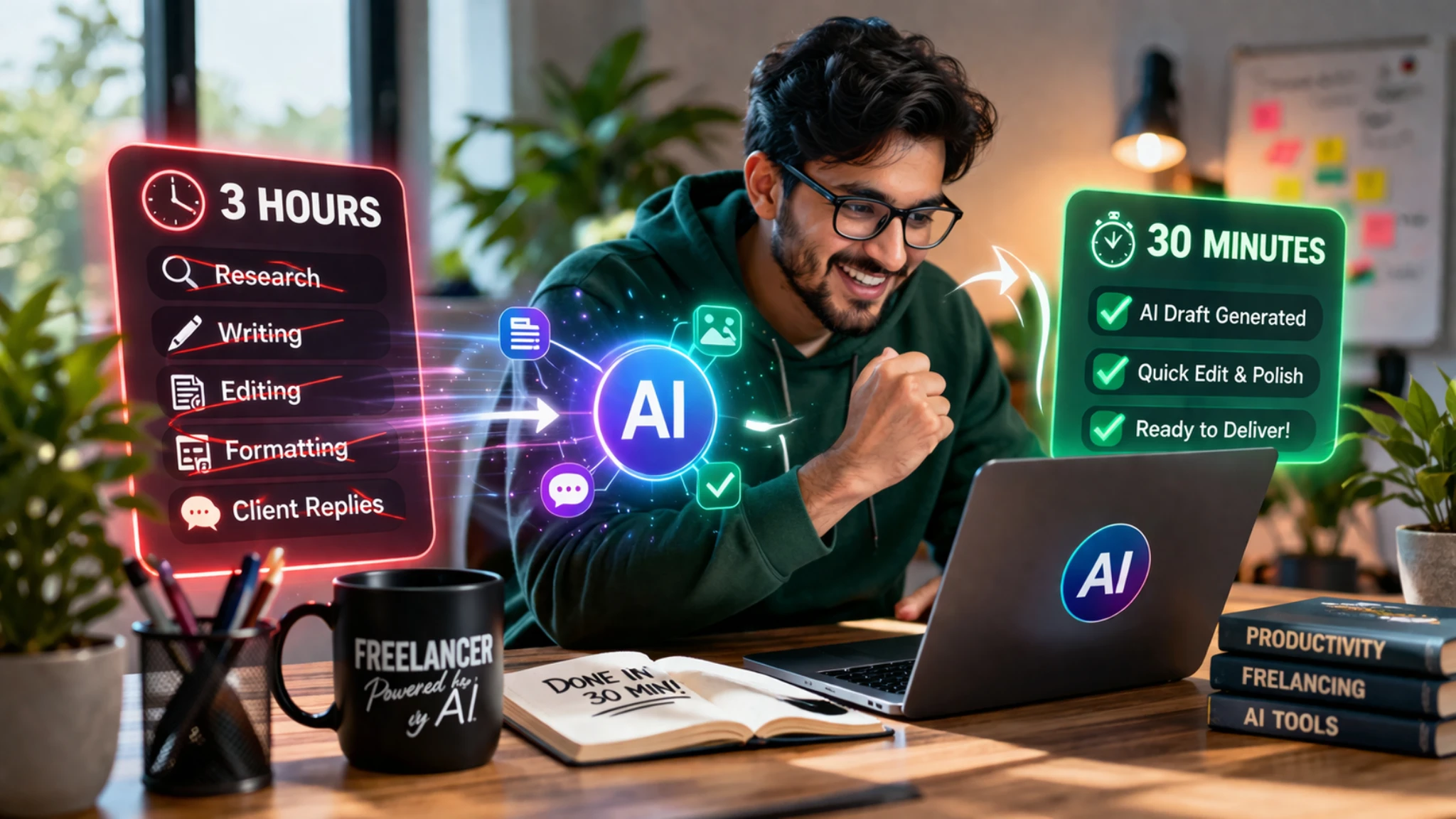
How Freelancers Are Finishing 3 Hours of Work in Just 30 Minutes Using AI
By Convertixy Editorial Team
Introduction
Freelancing sounds great on paper. You choose your clients, set your rates, and work on your own schedule.
But in reality, most freelancers spend hours doing repetitive work. Writing content, replying to clients, editing files, researching topics… it all adds up.
What should take 30 minutes often stretches into 2 or 3 hours.
But something has changed recently.
A new wave of freelancers is quietly using AI tools to complete the same work in a fraction of the time. Tasks that used to take hours are now being finished in minutes.
And no, this is not about cutting corners or producing low-quality work.
It is about working smarter.
In this blog, you will learn exactly how freelancers are using AI to turn 3 hours of work into just 30 minutes, without compromising quality.
The Real Problem Freelancers Face
Most freelancers are not slow. They are just overloaded.
A typical workflow looks like this:
- Brainstorming ideas
- Researching content
- Writing drafts
- Editing and formatting
- Communicating with clients
Each step takes time, and when combined, it easily becomes a 3-hour task.
The biggest issue is not skill. It is repetition.
Freelancers often do the same type of work again and again. And that is exactly where AI becomes powerful.
How AI Is Changing Freelancing
AI tools are not replacing freelancers. They are upgrading them.
Instead of starting from scratch, freelancers now use AI to generate a strong base and then refine it. This reduces effort while keeping quality high.
Think of it like this:
Earlier, you were building everything manually.
Now, AI gives you a ready structure, and you just improve it.
That single shift saves hours.
Where Freelancers Save the Most Time
Let’s break down the exact areas where AI makes the biggest difference.
1. Content Writing in Minutes Instead of Hours
Writing is one of the most time-consuming tasks in freelancing.
Without AI:
- Research takes 30 to 60 minutes
- Writing takes 1 to 2 hours
- Editing takes another 30 minutes
With AI:
- First draft in 2 to 5 minutes
- Editing in 10 to 15 minutes
Freelancers now generate drafts instantly and focus only on improving them. This alone cuts hours of work.
2. Client Communication Becomes Faster
Writing professional messages, proposals, and emails also takes time.
AI helps freelancers:
- Write client proposals quickly
- Generate polite responses
- Improve tone and clarity
Instead of thinking about what to write, freelancers just guide AI and refine the output.
3. Research Without Endless Browsing
Research is another hidden time killer.
Freelancers used to open multiple tabs, read articles, and collect information manually.
Now AI can:
- Summarize topics instantly
- Generate key points
- Provide structured insights
This reduces research time from 1 hour to just a few minutes.
4. Design and Visual Content Creation
Freelancers working with social media or content marketing also save time using AI tools for:
- Generating images
- Creating thumbnails
- Writing captions
Instead of designing everything from scratch, they use AI as a starting point.
The Real Secret: It Is Not Just About Tools
Here is something most people misunderstand.
The advantage is not just AI tools. It is how freelancers use them.
Successful freelancers follow a simple process:
- Use AI to generate a rough draft
- Edit and personalize the content
- Add real examples or insights
- Deliver high-quality output
They do not copy and paste blindly.
That is why their work still feels human.
Real Example: 3 Hours vs 30 Minutes
Let’s compare a simple blog writing task.
Without AI:
- Topic research: 45 minutes
- Writing draft: 90 minutes
- Editing: 30 minutes
- 👉 Total: Around 3 hours
With AI:
- Draft generation: 5 minutes
- Editing and personalization: 20 minutes
- 👉 Total: Around 25 to 30 minutes
That is a massive difference.
Now imagine doing this for multiple clients every day.
How You Can Start Using AI Today
You do not need expensive tools to start.
Even free AI tools can help you:
- Generate ideas
- Write drafts
- Improve grammar
- Rewrite content
Start small.
Use AI for one task, like writing intros or emails. Once you get comfortable, expand to other areas.
The goal is not to depend on AI completely, but to use it as a productivity booster.
Common Mistakes to Avoid
Many beginners make the same mistakes when using AI.
Here are a few things you should avoid:
- Copying AI output without editing
- Using overly generic prompts
- Ignoring tone and audience
- Not adding personal touch
AI gives speed, but quality still depends on you.
Why This Matters for Your Freelance Career
Time is the most valuable resource in freelancing.
If you can complete work faster:
- You can take more clients
- You can increase your income
- You reduce burnout
- You improve consistency
Freelancers who adapt to AI are not just working faster. They are building a competitive advantage.
Conclusion
AI is changing how freelancing works.
It is no longer about how many hours you work. It is about how efficiently you use your time.
Freelancers who understand this are already ahead.
They are finishing 3 hours of work in just 30 minutes, not because they are cutting corners, but because they are using smarter systems.
If you want to grow in freelancing, this is something you cannot ignore.
Start using AI today, improve your workflow, and focus on what really matters: delivering value.
FAQs
1. Can AI really reduce work time for freelancers?
Yes, AI can significantly reduce time by automating repetitive tasks like writing, research, and communication.
2. Is it safe to use AI for freelance work?
Yes, as long as you review and edit the content before delivering it.
3. Do clients accept AI-generated work?
Clients care about quality. If the output is good, they usually do not mind.
4. Which tasks can AI handle best?
Writing drafts, research, email responses, and content structuring.
5. Will AI replace freelancers?
No, freelancers who use AI effectively will actually have an advantage.