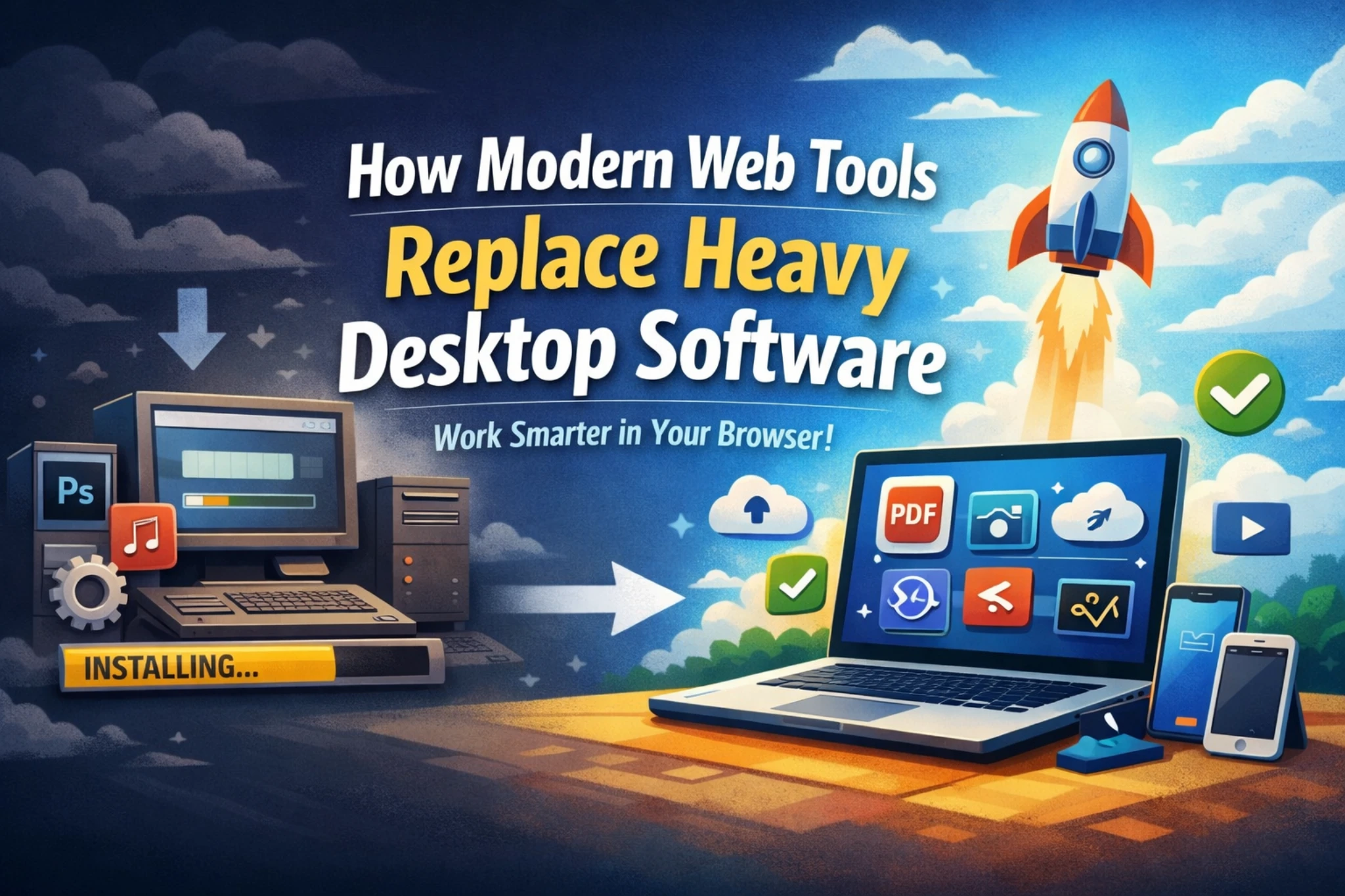
How Modern Web Tools Replace Heavy Desktop Software
By Convertixy Editorial Team
Introduction
For a long time, desktop software was the backbone of digital work. Whether someone wanted to edit documents, convert files, design images, or manage data, they had to install heavy software on their computers.
But now, things are changing fast.
Modern web tools are becoming more powerful, faster, and easier to use. Today, many tasks that once required heavy desktop software can be done directly inside a browser.
You don’t need to download anything. You don’t need to worry about storage. You don’t even need a powerful system.
In this blog, we will understand how modern web tools are replacing heavy desktop software, why this shift is happening, and what it means for users and developers.
What Are Modern Web Tools?
Modern web tools are applications that run inside a web browser like Chrome or Brave. Instead of installing software, users simply open a website and start using the tool instantly.
These tools use modern technologies like cloud computing, APIs, and browser-based processing to perform tasks efficiently.
Examples include:
- Online PDF tools
- Image compressors
- File converters
- AI writing tools
- Browser-based code editors
The biggest advantage is simplicity. No setup, no installation, no waiting.
How Desktop Software Worked Before
Earlier, users had no option but to rely on installed software.
To perform basic tasks, they had to:
- Download setup files
- Install software
- Configure settings
- Update regularly
This created multiple problems.
Heavy software consumed storage space and system resources. Many applications required paid licenses. Updates were slow and sometimes broke features. Low-end systems struggled to run them smoothly.
Because of these limitations, users often faced frustration while performing even simple tasks.
Why Web Tools Are Taking Over
Now let’s understand the main reasons why web tools are replacing desktop software.
1. No Installation Required
The biggest advantage of web tools is that they require no installation.
Users can simply open a browser, visit a website, and start using the tool instantly.
This saves time and removes technical barriers. Even non-technical users can use advanced tools without any setup.
2. Works on Any Device
Web tools are platform-independent.
They work on:
- Windows
- Mac
- Linux
- Android
- iOS
This means users can switch devices anytime and still access the same tools.
You don’t need a high-end computer anymore. Even a basic device can handle most web tools.
3. No Storage Consumption
Desktop software takes up disk space.
But web tools do not.
Since most of the processing happens in the cloud or browser, users don’t need to worry about storage. This is especially useful for people with limited storage capacity.
4. Automatic Updates
With desktop software, users must manually update applications.
Web tools remove this problem completely.
Whenever a developer updates the tool, users automatically get the latest version. There is no need to download updates or reinstall anything.
This ensures a smooth and up-to-date experience.
5. Lightweight and Fast
Modern web tools are designed to be fast and efficient.
They:
- Load quickly
- Use fewer system resources
- Run smoothly even on low-end devices
This makes them accessible to a wider audience.
6. Cost Effective
Many web tools are free to use.
Even premium tools often offer free versions with basic features.
Compared to expensive desktop software licenses, web tools are much more affordable. This opens opportunities for students, freelancers, and beginners.
7. Easy Sharing and Collaboration
One major advantage of web tools is collaboration.
Users can:
- Share links instead of files
- Work together in real time
- Access files from anywhere
This is very useful for teams and remote work environments.
Desktop software often requires manual file sharing, which is slower and less efficient.
8. Cloud Integration
Web tools are closely connected with cloud technology.
Files can be:
- Stored online
- Accessed anytime
- Shared easily
This reduces the risk of data loss and makes file management easier.
Real-World Impact of This Shift
Today, many traditional software categories are already being replaced by web tools.
People are now using browser-based tools for:
- Editing images
- Converting files
- Writing content
- Managing projects
- Learning coding
Even professionals are shifting to web-based platforms because of convenience and flexibility.
This shows that web tools are not just an alternative. They are becoming the primary choice.
Limitations of Web Tools
Even though web tools are powerful, they still have some limitations.
1. Internet Dependency
Web tools require an internet connection.
Without internet, most tools will not work. This is where desktop software still has an advantage.
2. Limited Advanced Features
Some complex tasks still require powerful desktop applications.
Examples include:
- Advanced video editing
- 3D modeling
- High-end software development
Web tools are improving, but they are not fully replacing these areas yet.
3. Privacy Concerns
Since web tools often require uploading files, there can be privacy risks.
Users must always choose trusted platforms and avoid uploading sensitive data to unknown tools.
4. Performance Depends on Internet Speed
If the internet is slow, the tool may also feel slow.
This can affect user experience.
Future of Web Tools
The future clearly belongs to web-based applications.
With advancements in:
- Cloud computing
- Artificial Intelligence
- Browser technologies
Web tools will become even more powerful.
Soon, most users may not need to install software at all.
Everything will run inside a browser.
What This Means for Developers
Bro ye section tere liye sabse important hai 🔥
Since tu already tool website bana raha hai, this is a big opportunity.
Opportunities You Can Grab
- Create simple problem-solving tools
- Focus on speed and clean UI
- Build SEO-friendly pages
- Add blog + tools combination
- Use Firebase or APIs for backend
Users don’t want complex tools anymore. They want fast and easy solutions.
Golden Strategy
👉 Small tools + High SEO = Massive traffic
Examples:
- PDF tools
- Image tools
- Text tools
- Data tools
Agar tu consistently tools banata raha + blogs likhta raha, to traffic automatically grow karega.
Conclusion
Modern web tools are changing the way people use technology.
They are faster, easier, and more accessible compared to traditional desktop software.
While desktop applications still have their place for advanced tasks, most everyday work is now shifting to the browser.
This shift is not temporary. It is the future.
And for developers, this is one of the biggest opportunities right now.
FAQ (Frequently Asked Questions)
1. What are modern web tools?
Modern web tools are applications that run directly in a browser without installation. They allow users to perform tasks like file conversion, editing, and data processing online.
2. Are web tools better than desktop software?
Web tools are better for most everyday tasks because they are faster, easier to use, and do not require installation. However, desktop software is still better for advanced and heavy tasks.
3. Do web tools work without internet?
No, most web tools require an internet connection to function. Some advanced web apps offer limited offline support, but it is not common.
4. Are web tools safe to use?
Web tools are safe if you use trusted websites. Avoid uploading sensitive or private files to unknown or unverified platforms.
5. Why are web tools becoming popular?
Web tools are becoming popular because they are easy to use, work on any device, require no installation, and are often free.
6. Can web tools completely replace desktop software?
Not completely. Web tools can replace most basic tasks, but advanced tasks like video editing, 3D design, and heavy development still require desktop software.
7. Do web tools use less storage?
Yes, web tools do not use your device storage because they run in the browser or cloud.
8. What are examples of web tools?
Examples include online PDF tools, image compressors, file converters, AI writing tools, and browser-based code editors.
9. Are web tools good for low-end devices?
Yes, web tools are ideal for low-end devices because they are lightweight and do not require heavy processing power.
10. How do web tools help developers?
Web tools create new opportunities for developers to build simple, useful applications that can reach a global audience without requiring users to install anything.