How to Clean Messy Data Using Simple Online Tools
By Convertixy Editorial Team
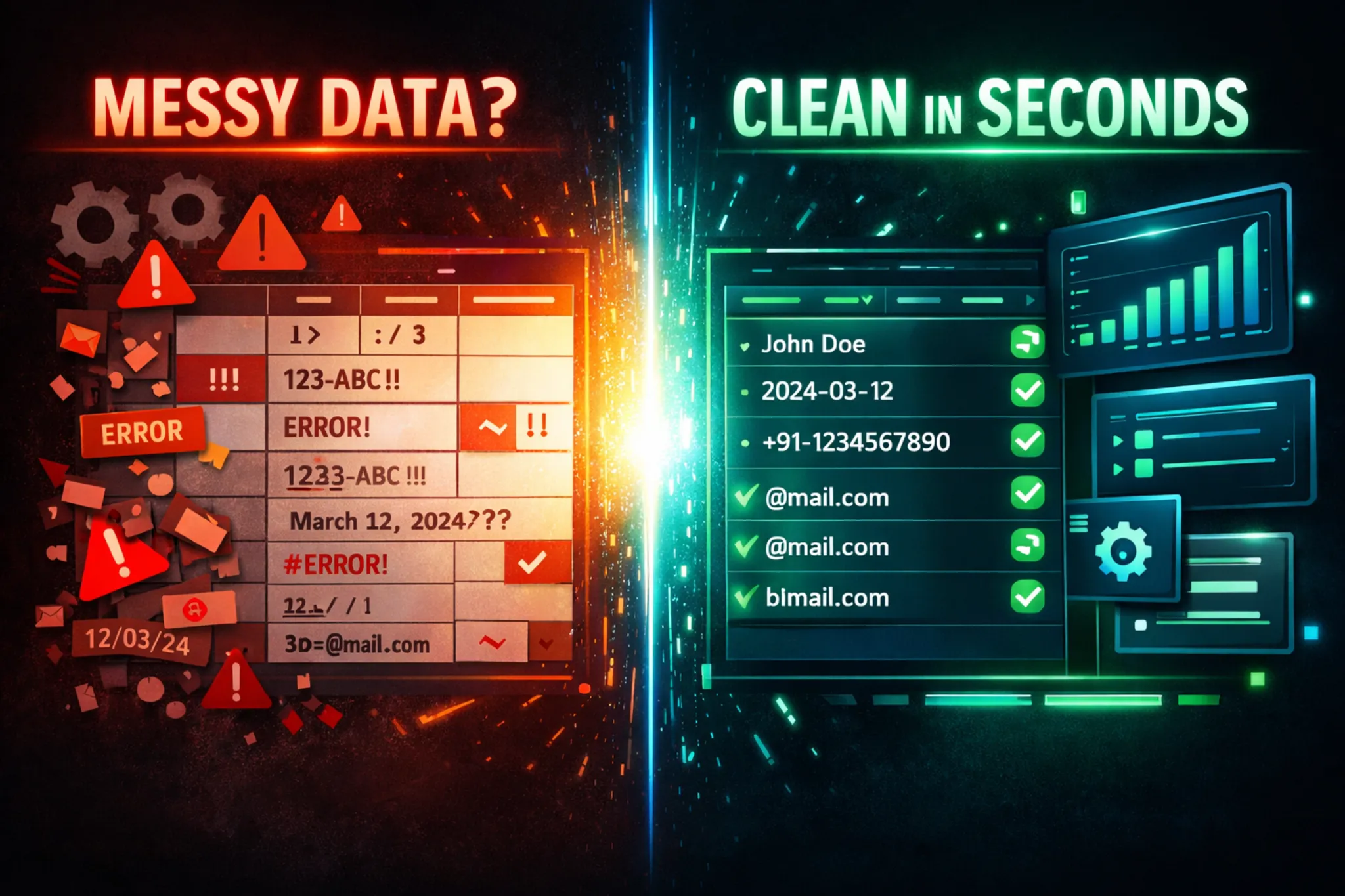
Introduction
Data is everywhere today. Whether you are working on a website, handling Excel files, analyzing reports, or using online tools, you are always dealing with data.
But there is one common problem.
Most of the data we get is messy.
It may have extra spaces, duplicate values, wrong formats, missing fields, or unwanted symbols. And if your data is not clean, your results will also be wrong.
This is why data cleaning is very important.
The good news is that you do not need coding or expensive software to clean your data. You can use simple online tools and fix everything in minutes.
In this blog, you will learn how to clean messy data step by step using easy online tools.
What is Messy Data?
Messy data means data that is not properly formatted or organized.
Here are some common examples:
- Extra spaces in text
- Duplicate rows
- Mixed formats (dates, numbers, text)
- Missing values
- Unwanted symbols or characters
- Inconsistent capitalization
- Broken JSON or CSV files
For example:
Name: john doe
Email: [email protected]
Phone: 123-456-7890
This is messy because:
- Name has extra spaces
- Email is in uppercase
- Phone format may not match your system
Why Data Cleaning is Important
If you ignore messy data, it can create serious problems:
- Wrong analysis results
- Errors in tools or software
- Poor user experience
- SEO issues on websites
- Data processing failures
Clean data helps you:
- Work faster
- Get accurate results
- Improve automation
- Make better decisions
Step-by-Step Guide to Clean Messy Data
Let’s break the process into simple steps.
1. Remove Extra Spaces
Extra spaces are one of the most common problems.
Example:
" Hello World "
Clean version:
"Hello World"
How to fix:
Use online tools like:
- Text Cleaner
- Whitespace Remover
- Trim Text Tool
Just paste your data and click clean.
2. Fix Capitalization
Sometimes data is in random formats like:
john DOE
Clean version:
John Doe
Types of formatting:
- Lowercase → john doe
- Uppercase → JOHN DOE
- Title Case → John Doe
Tools you can use:
- Case Converter
- Text Formatter
3. Remove Duplicate Data
Duplicate entries can break your data.
Example:
Email List:
Clean version:
Solution:
Use:
- Duplicate Remover Tool
- Unique Value Generator
4. Fix Data Formats
Data formats must be consistent.
Example:
Dates:
12/03/2024
March 12, 2024
2024-03-12
This is messy.
Clean version:
2024-03-12
Tools:
- Date Formatter
- JSON Formatter
- CSV Cleaner
5. Remove Unwanted Characters
Sometimes data contains:
- Special symbols
- HTML tags
- Extra punctuation
Example:
Hello!!! ### World@@@
Clean version:
Hello World
Tools:
- Special Character Remover
- Regex Cleaner
- HTML Tag Remover
6. Fix JSON or CSV Errors
If you work with APIs or tools, you may get broken JSON or CSV files.
Example JSON error:
{
"name": "John"
"age": 25
}
Missing comma → invalid data.
Solution:
Use:
- JSON Validator
- JSON Formatter
- CSV to JSON Converter
These tools automatically fix structure issues.
7. Handle Missing Data
Missing values can cause problems in analysis.
Example:
Name Age
John 25
Mike
Options:
- Fill missing values
- Remove incomplete rows
- Replace with default values
Tools:
- Spreadsheet editors
- Online CSV editors
8. Standardize Data
Make sure all data follows one format.
Example:
Phones:
1234567890
+91 12345 67890
(123) 456-7890
Clean version:
+91-1234567890
Why important:
- Makes data usable
- Avoids confusion
- Improves automation
Best Online Tools for Data Cleaning
Here are some simple tool ideas (perfect for your type of website too 👀):
1. Text Cleaner Tool
- Remove spaces
- Fix formatting
- Clean unwanted text
2. JSON Formatter
- Validate JSON
- Beautify structure
- Fix errors
3. CSV Cleaner
- Remove duplicates
- Fix columns
- Normalize data
4. Case Converter
- Uppercase / lowercase
- Title formatting
5. Duplicate Remover
- Remove repeated entries
Pro Tips for Better Data Cleaning
Here are some practical tips:
- Always preview before cleaning
- Keep a backup of original data
- Clean data step by step
- Use simple tools instead of complex software
- Automate repeated tasks
Real-Life Use Cases
1. Website Forms
Users submit messy data like:
- Wrong emails
- Extra spaces
Cleaning helps store proper data.
2. SEO Tools
If your tool shows:
- Keywords
- URLs
Clean data improves accuracy.
3. Email Lists
Removing duplicates improves:
- Delivery rate
- Campaign performance
4. Developer Work
JSON and CSV cleaning helps:
- APIs work correctly
- Data processing becomes smooth
Conclusion
Messy data is a common problem, but fixing it is not difficult.
You do not need coding skills or expensive tools.
With simple online tools, you can:
- Remove extra spaces
- Fix formats
- Clean duplicates
- Standardize data
And the best part is, it takes only a few minutes.
If you are running a tools website like yours, this is a gold opportunity. You can create multiple small tools for each problem and get traffic easily.
Clean data = better results.
FAQ
1. What is data cleaning?
Data cleaning is the process of fixing or removing incorrect, messy, or duplicate data.
2. Can I clean data without coding?
Yes, you can use simple online tools to clean data easily.
3. Which tool is best for JSON cleaning?
JSON Formatter and JSON Validator tools are best.
4. Why is clean data important?
Clean data ensures accurate results and better performance.
5. How long does data cleaning take?
With online tools, it can take just a few minutes.