How to Detect If an Assignment Was Written by AI Before Submitting It
By Convertixy Editorial Team
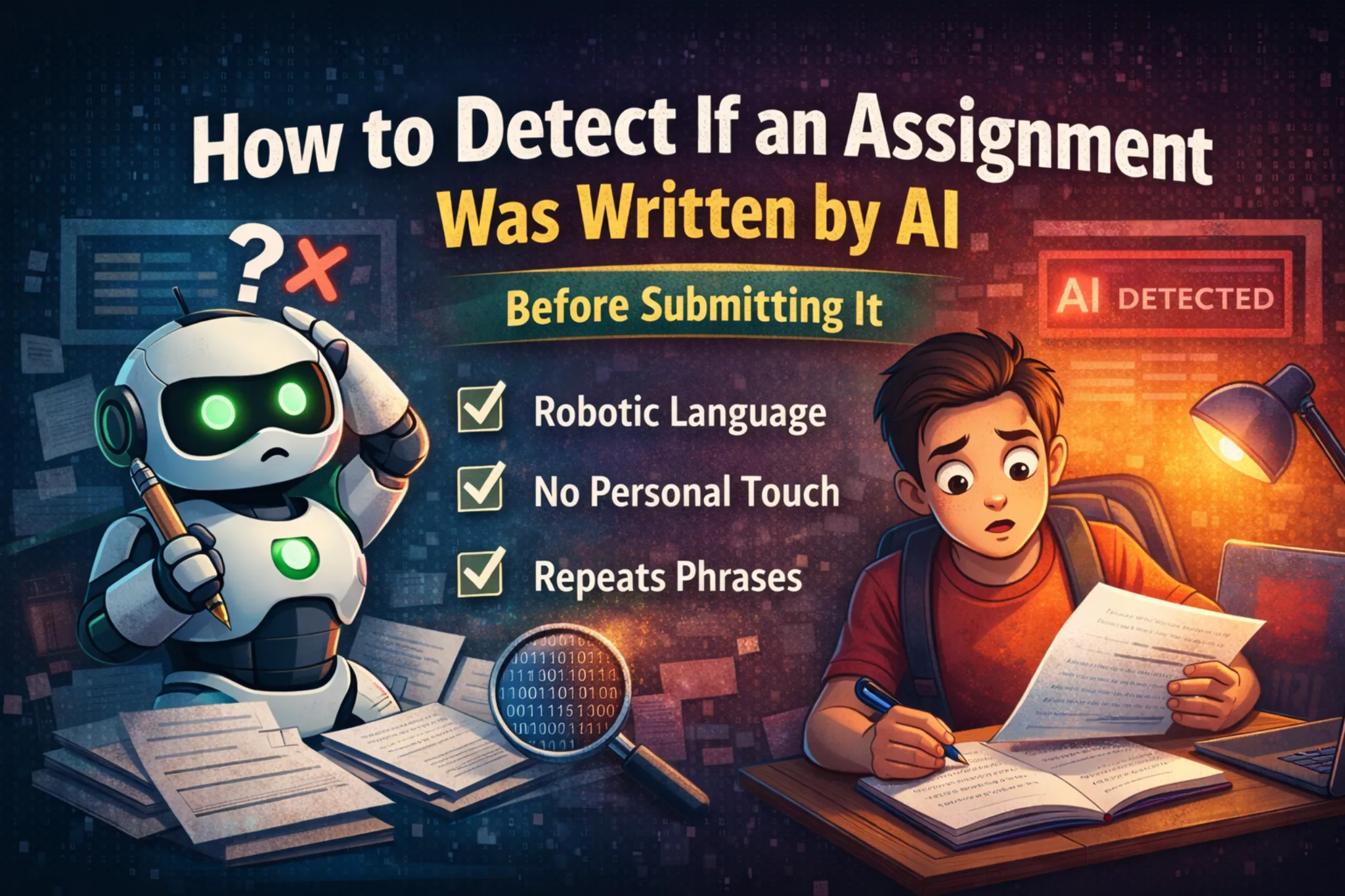
Artificial Intelligence tools like ChatGPT are now widely used by students to complete assignments faster than ever.
From essays to reports, AI can generate content in seconds.
But here is the problem.
Many colleges and institutions are now using AI detection tools to identify whether your assignment is written by AI or by you.
And if your content gets flagged, it can:
- Reduce your marks
- Raise academic integrity issues
- Even lead to rejection
So before submitting anything, you must check:
👉 Does your assignment look AI-generated?
In this blog, you will learn exactly how to detect AI-written content and how to fix it.
What Does AI-Written Content Look Like?
Before detecting, you need to understand patterns.
AI-generated assignments usually have:
- Very clean and perfect grammar
- Repetitive sentence structures
- Lack of personal opinion
- Generic explanations
- No real-life examples
👉 It feels “too perfect” but not “human”
Why AI Detection Matters
Many students think:
“AI se likh diya, kaam ho gaya”
But reality is different.
Colleges use tools like:
- Turnitin AI detection
- GPT detectors
- Plagiarism + AI hybrid tools
These tools analyze patterns, not just copied content.
So even original AI text can be flagged.
How to Detect If Your Assignment Looks AI-Written
Now the practical part.
1. Read It Like a Teacher
Ask yourself:
- Does this sound like me?
- Would I normally write like this?
- Is it too formal or robotic?
👉 If answer is YES → High chance AI-generated feel
2. Check for Repetition
AI often repeats ideas in different words.
👉 Example:
- “This is important”
- “It plays a crucial role”
- “It is essential”
Same meaning, repeated again and again.
Humans usually write more naturally.
3. Look for Lack of Depth
AI content is often:
- Surface-level
- General
- Not deeply explained
👉 If your assignment feels like:
“Google summary” → It is AI-like
4. No Personal Touch
This is the biggest giveaway.
AI does NOT include:
- Personal experiences
- Opinions
- Real-life examples
👉 Add lines like:
- “In my opinion…”
- “From my experience…”
This makes content human.
5. Use AI Detection Tools (Optional)
You can test your content using:
- GPTZero
- Turnitin (if available)
- Originality.ai
👉 But remember:
These tools are NOT 100% accurate
So do not depend only on them.
6. Sentence Pattern Analysis
AI often writes:
- Same sentence length
- Same structure
- Predictable flow
👉 Humans:
- Mix short + long sentences
- Add emotion
- Break patterns
🚨 Signs Your Assignment May Get Flagged
Watch out for these red flags:
- Too perfect English
- No mistakes at all
- No unique opinion
- No examples
- Same tone throughout
👉 If your assignment has all these → risky
How to Fix AI-Written Content (Very Important)
Now solution part 🔥
1. Rewrite in Your Own Style
Do NOT copy AI output directly.
👉 Do this:
- Read AI content
- Understand it
- Rewrite in your own words
2. Add Personal Examples
This is game changer.
👉 Example:
Instead of:
“Cybersecurity is important”
Write:
“In my daily use, I have seen how phishing emails can trick users…”
3. Mix Sentence Structure
Make it human.
👉 Use:
- Short sentences
- Long explanations
- Questions
4. Add Imperfections (Natural Way)
Humans are not perfect.
👉 Add:
- Slight informal tone
- Simple language
- Natural flow
5. Add Critical Thinking
AI gives neutral answers.
You should:
- Agree or disagree
- Add your view
- Give reasoning
6. Use AI Only as Helper
Golden rule:
👉 AI = assistant
👉 You = writer
Use AI for:
- Ideas
- Structure
- Research
Final content should be yours.
- 🚀Never submit raw AI content
- Always edit at least 30–40%
- Add personal examples in every section
- Use simple language instead of complex words
- Read your assignment out loud before submitting
Final Thoughts
AI is a powerful tool for students.
But blindly using it can create problems.
If you want safe and high-quality assignments:
- Use AI smartly
- Edit properly
- Add your personal touch
Then your assignment will:
- Look human
- Avoid detection
- Get better marks
FAQ
1. Can teachers detect AI-written assignments?
Yes, many tools like Turnitin can detect AI patterns.
2. Is AI content always detected?
No, but raw AI content has high risk.
3. How to make AI content undetectable?
Rewrite, add personal touch, and change structure.
4. Are AI detectors accurate?
Not 100%, so manual editing is important.
5. Should I use AI for assignments?
Yes, but only as a helper, not final writer.