How to Merge PDF Files on Android Phone Without Any App
By Convertixy Editorial Team
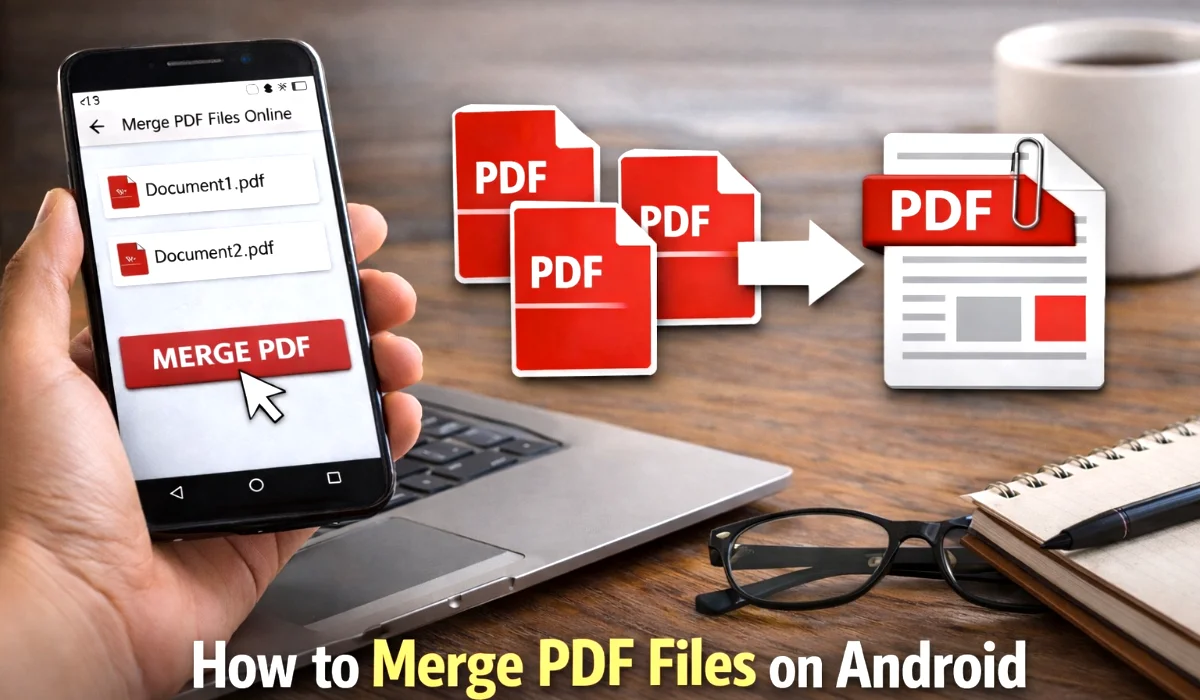
PDF files are widely used for sharing documents like assignments, reports, invoices, and official documents. Many times we have multiple PDF files that we want to combine into a single document. For example, students may want to combine multiple assignment pages, or someone might want to merge scanned documents together.
Most people think they must install a mobile application to merge PDF files on Android. However, that is not always necessary. You can easily merge multiple PDF files directly from your browser without installing any extra app.
This method is simple, fast, and saves storage space on your device. In this guide, you will learn how to merge PDF files on your Android phone without installing any application.
Why People Need to Merge PDF Files
Combining PDF files can be useful in many situations. Instead of sending multiple files separately, you can share a single organized document.
Here are some common reasons why people merge PDF files:
Students often combine multiple pages of assignments before submitting them. Office workers may merge reports or documents to send them in a single file. Businesses combine invoices or documents for proper record keeping. Freelancers also merge work samples or portfolios into a single PDF file.
Merging PDF files helps keep documents organized and easier to share.
Why Avoid Installing Extra Apps
Many Android users download apps from the Play Store to merge PDF files. But installing too many apps can cause several problems.
First, apps take up storage space on your phone. Some PDF apps are large in size and can slow down your device.
Second, many apps request unnecessary permissions like storage access, contacts, or internet access.
Third, free apps often show too many advertisements which can be annoying.
Finally, downloading apps from unknown developers may create security risks.
Because of these reasons, using a browser-based tool is often the safest and easiest option.
Best Way to Merge PDF Files Without an App
The easiest method to merge PDF files is to use an online PDF merging tool. These tools work directly inside your browser, so you don't need to install anything.
You can use this simple tool:
https://convertixy.com/pdf-merge
This tool allows you to upload multiple PDF files and combine them into one document in just a few seconds.
Step-by-Step Guide to Merge PDF Files on Android
Follow these simple steps to merge your PDF files.
Step 1: Open Your Mobile Browser
First, open any browser on your Android phone. You can use Google Chrome, Brave, Firefox, or Samsung Internet.
All modern browsers support online PDF tools.
Step 2: Open the PDF Merge Tool
Now go to this page:
https://convertixy.com/pdf-merge
This page provides a simple interface where you can upload and combine PDF files easily.
Step 3: Upload Your PDF Files
Tap the upload button and select the PDF files from your phone storage.
You can select multiple PDF files at once. This makes it easy to combine several documents together.
Step 4: Arrange the Files in Correct Order
Once the files are uploaded, you will see them listed on the page.
Make sure the files are arranged in the correct order. For example:
Page 1 document
Page 2 document
Page 3 document
This step is important because the final merged PDF will follow the same order.
Step 5: Merge the PDF Files
Now click the Merge PDF button.
The tool will process your files and combine them into a single PDF document.
This process usually takes only a few seconds depending on file size.
Step 6: Download the Final PDF
After the merging process is finished, a download button will appear.
Tap the download button and save the merged PDF file to your Android device.
Now you can easily share the document with anyone.
Benefits of Merging PDFs Online
Using an online tool to merge PDFs has many advantages.
First, you do not need to install any app. This saves storage space on your phone.
Second, the process is very fast and easy. Even beginners can merge files in just a few clicks.
Third, it works on any device. You can merge PDF files from Android phones, tablets, laptops, or desktop computers.
Finally, most online tools are simple and user friendly.
Tips for Merging PDF Files Easily
To get the best results when merging PDF files, keep these tips in mind.
Make sure your PDF files are clearly named so that you can easily identify them.
Always check the file order before merging.
If your files are very large, ensure you have a stable internet connection.
After downloading the merged file, open it once to confirm that all pages appear correctly.
These small steps help avoid mistakes when combining documents.
Is It Safe to Merge PDFs Online?
Many users worry about uploading files online. This is understandable.
Most trusted online tools process files securely and remove them from the server after processing. However, it is still recommended to avoid uploading highly confidential documents.
For normal documents such as assignments, notes, reports, and forms, online PDF tools are generally safe to use.
When PDF Merging is Most Useful
PDF merging is helpful in many everyday situations.
Students can combine scanned pages of assignments before submitting them.
Office workers can merge reports, contracts, or documents before sending them to clients.
Freelancers can combine their portfolio work samples into a single document.
Business owners can organize invoices, receipts, and records more efficiently.
Because of these benefits, PDF merging has become a very common task.
Final Thoughts
Merging PDF files on an Android phone is much easier than many people think. You do not need to install any application or use complicated software.
By using an online tool, you can combine multiple PDF files directly from your browser in just a few simple steps.
If you want a quick and simple way to merge PDF documents, you can use this free tool:
https://convertixy.com/pdf-merge
Just upload your files, arrange them in the correct order, merge them, and download the final document.
This method works on almost any Android phone and saves both time and storage space.