How ZIP Files Reduce File Size (And How Compression Actually Works)
By Convertixy Editorial Team
Introduction
You have probably used ZIP files many times.
You download a file, and it comes as a ZIP.
Or you compress files before sending them.
But have you ever thought about this?
How does a ZIP file actually make files smaller?
It may look like magic, but it is not.
ZIP files use smart techniques to reduce unnecessary data without losing important information.
In this blog, you will understand exactly how it works in a simple way.
What Is a ZIP File
A ZIP file is a compressed file format.
It takes one or multiple files and reduces their size.
This makes it easier to:
- Save storage space
- Share files faster
- Upload files easily
ZIP files are widely used because they are simple and supported everywhere.
Why Files Can Be Reduced in Size
Before understanding ZIP, you need to know one simple thing.
👉 Most files contain repeated data
Example:
Instead of writing:
hello hello hello hello
It can be stored as:
hello x4
This simple trick reduces space.
ZIP files use similar logic but in a more advanced way.
How ZIP Compression Works (Simple Explanation)
ZIP files mainly use a method called lossless compression.
👉 Lossless means:
- No data is lost
- File remains exactly the same after extraction
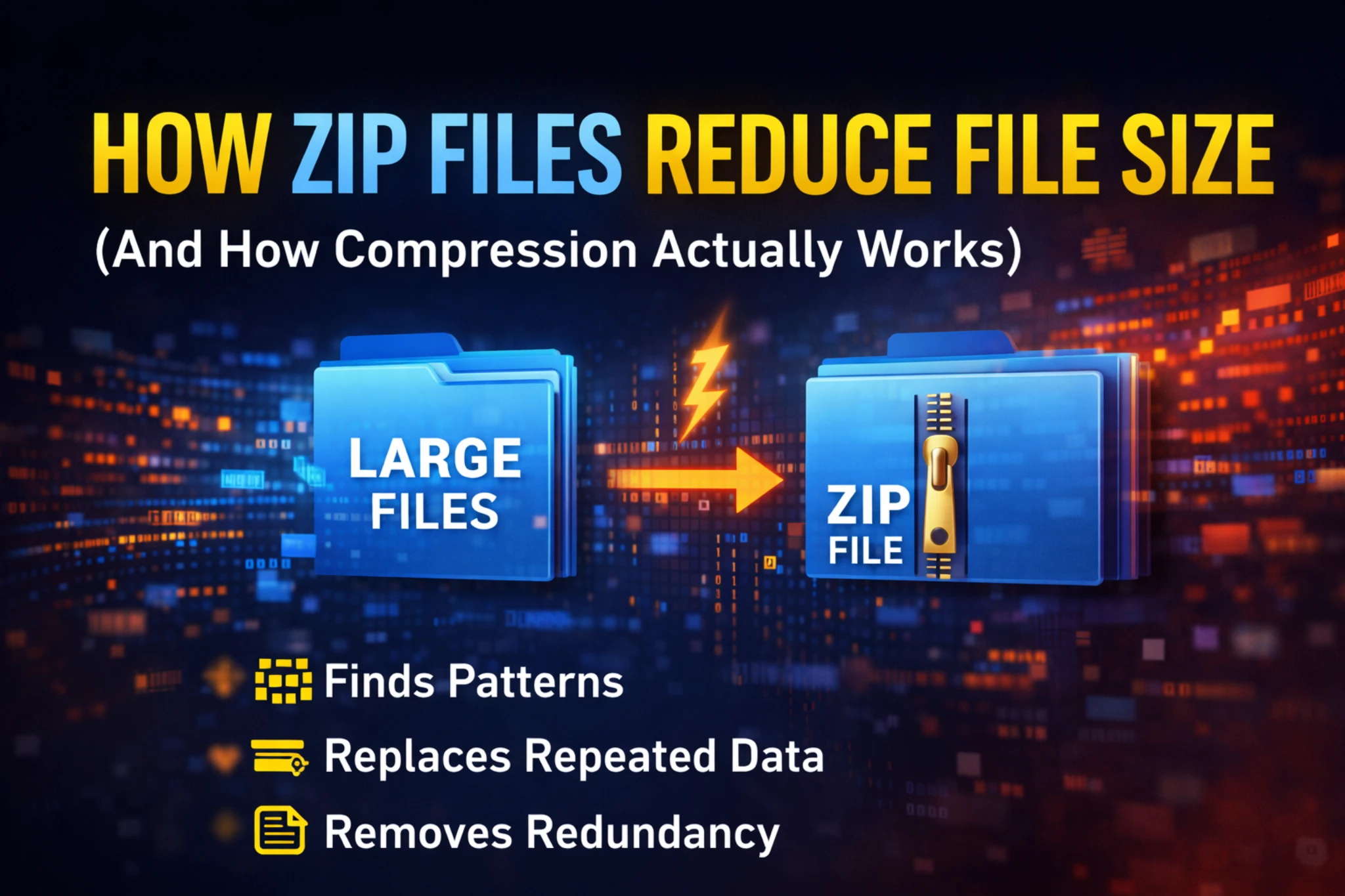
1. Finding Repeated Patterns
ZIP scans the file and finds repeated data.
Example:
AAAAABBBBBCCCC
Instead of storing everything, it stores:
5A 5B 4C
This saves space.
2. Replacing Common Data with Short Codes
ZIP creates a small dictionary.
Example:
"the" is very common in text files
Instead of writing "the" again and again, it replaces it with a shorter code.
This reduces file size.
3. Removing Redundant Information
Some data is not needed multiple times.
ZIP removes unnecessary duplication while keeping the structure intact.
Real Life Example (Easy to Understand)
Imagine you have a text file:
"I love coding. I love coding. I love coding."
ZIP will store it like:
"I love coding" repeated 3 times
Instead of saving full text again and again.
Types of Files That Compress Well
Not all files compress equally.
✅ Compress Very Well:
- Text files (.txt)
- Documents (.docx, .pdf)
- Code files (.html, .json)
Because they have repeated patterns.
❌ Compress Less:
- Images (.jpg, .png)
- Videos (.mp4)
- Audio (.mp3)
Because they are already compressed.
Why ZIP Does Not Reduce Some Files Much
If a file is already compressed, there is very little extra data to remove.
So ZIP cannot reduce much size.
Example:
- A 10 MB image may become 9.8 MB only
Benefits of Using ZIP Files
ZIP files are very useful in daily life.
1. Saves Storage Space
Smaller files mean less storage usage.
2. Faster File Sharing
Smaller size = faster upload and download.
3. Multiple Files in One
You can combine many files into one ZIP.
4. Easy to Use
Works on almost all devices.
Is ZIP Compression Safe
Yes, ZIP compression is safe.
But remember:
- It does not encrypt data by default
- Anyone can open it unless password protected
ZIP vs RAR vs 7z (Quick Comparison)
- ZIP → Fast and widely supported
- RAR → Better compression but limited support
- 7z → Best compression but slower
When Should You Use ZIP
Use ZIP when:
- You want quick compression
- You need compatibility
- You are sharing multiple files
Common Mistakes People Make
❌ Expecting Huge Size Reduction
Not all files shrink a lot.
❌ Compressing Already Compressed Files
No benefit in most cases.
❌ Thinking ZIP Encrypts Files
ZIP is not secure unless password is added.
Conclusion
ZIP files are not magic.
They simply use smart techniques to remove repeated and unnecessary data.
That is how they reduce file size.
Understanding this helps you:
- Use compression better
- Save storage
- Share files efficiently
Now next time you see a ZIP file, you will know exactly what is happening behind the scenes.
FAQ
1. Do ZIP files lose quality
No, ZIP uses lossless compression so quality remains the same.
2. Why some files do not shrink much
Because they are already compressed.
3. Is ZIP better than RAR
ZIP is easier and more compatible, RAR gives slightly better compression.
4. Can ZIP files be secure
Only if password protection is used.
5. How much size can ZIP reduce
It depends on file type. Text files reduce more than images or videos.