Why Online Tools Are Better Than Local Software
By Convertixy Editorial Team
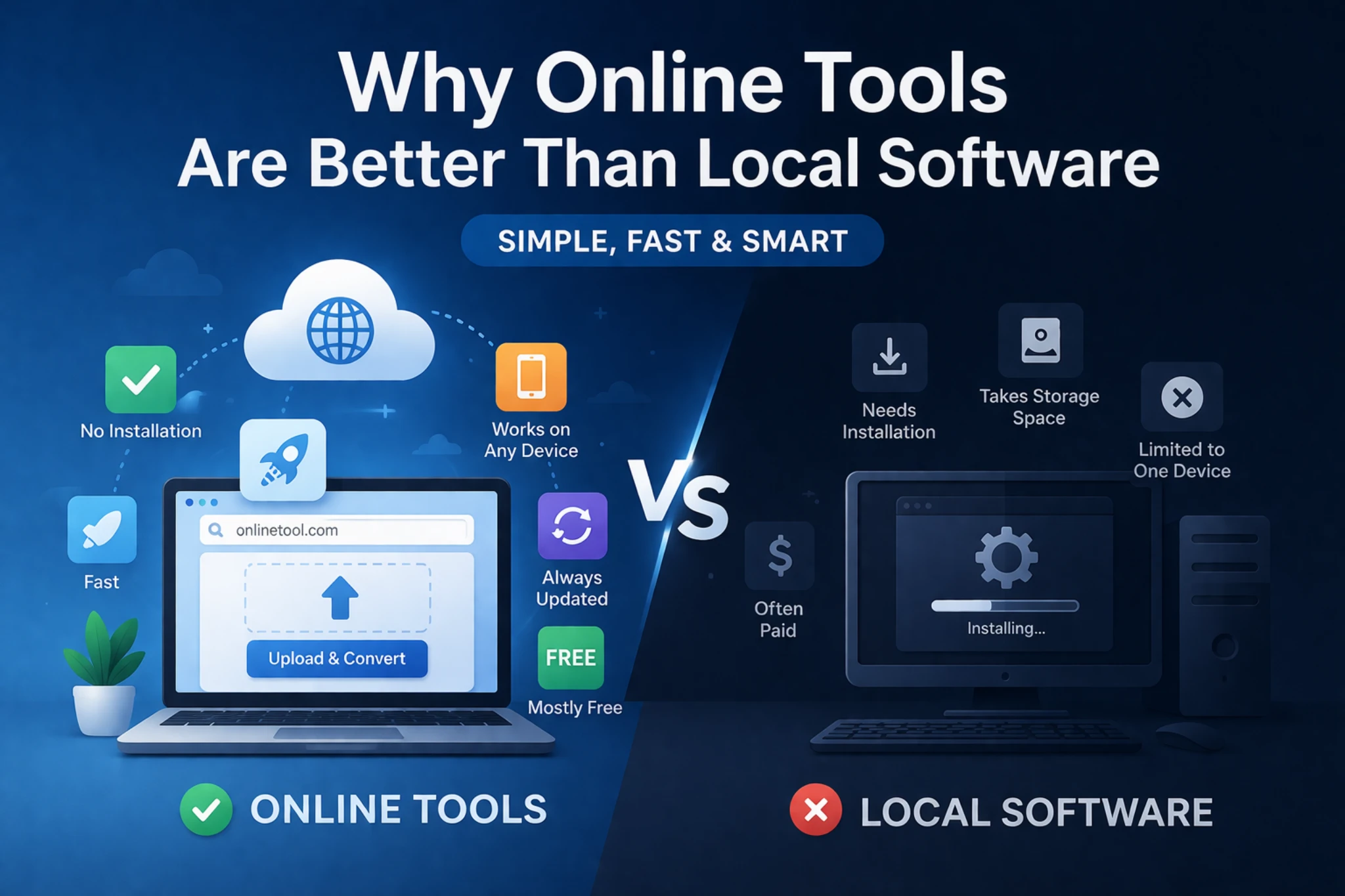
Introduction
In today digital world, we use different tools every day. Sometimes we need to merge PDFs, compress images, convert files, or edit documents. Traditionally, people used local software installed on their computers.
But now, most users are shifting towards online tools.
In this blog, we will clearly understand why online tools are better than local software, using simple language and practical examples.
What Are Online Tools?
Online tools are web-based applications that work directly in your browser.
You don’t need to download or install anything.
Just open a website, upload your file, and get your result.
Example:
- PDF merger websites
- Image compressor tools
- File converters
What Is Local Software?
Local software is installed on your device (PC, laptop, etc.).
You must download and install it before using.
Examples:
- Adobe Photoshop
- VLC Media Player
- MS Office
1. No Installation Required (Main Advantage)
The biggest advantage of online tools is:
No installation needed
You just:
- Open browser
- Visit website
- Use the tool
Why this matters (Theory):
Installation takes time, storage, and system resources. Online tools remove this step completely, making the process faster and easier.
2. Saves Storage Space
Local software takes space in your system.
If you install many tools:
- PDF software
- Video converter
- Image editor
Your storage gets full quickly.
Online tools advantage:
- No storage usage
- Everything runs on cloud servers
Theory:
Online tools use remote servers, so your device doesn’t need to store or process heavy data.
3. Works on Any Device
Online tools are device-independent.
You can use them on:
- Mobile
- Laptop
- Tablet
Local software problem:
- Works only on specific OS (Windows/Mac)
- Needs installation on every device
Theory:
Online tools use browsers, and browsers work on almost all devices, making them more flexible.
4. Always Updated
Best Notes Website : likhonotes
With local software:
- You need to update manually
- Old versions may have bugs
With online tools:
You always use the latest version
Theory:
Updates happen on the server side, so users automatically get improvements without doing anything.
5. Faster and Lightweight
Local software:
- Uses RAM and CPU
- Can slow down your system
Online tools:
- Lightweight
- Processing happens on server
Your device stays fast
6. Better Security (If You Use Trusted Tools)
Local software risk:
- Cracked software may contain viruses
- Malware risk
Online tools:
- No installation → less risk
- Safe if website is trusted
Theory:
Most online tools run in secure environments and do not directly affect your system files.
7. Cost Effective (Mostly Free)
Local software:
- Paid license
- Subscription required
Online tools:
- Mostly free
- Some premium features
Good for students and beginners
8. Easy to Use
Online tools:
- Simple interface
- Beginner friendly
Local software:
- Complex UI
- Requires learning
Anyone can use online tools without technical knowledge
9. No Compatibility Issues
Local software:
- May not work on all systems
- Version problems
Online tools:
- Work in browser
- Compatible with all devices
10. Best for Quick Tasks
If you need to:
- Merge 1 PDF
- Convert 1 file
- Compress 1 image
Installing software is not worth it
Online tools are perfect for quick tasks.
When Local Software Is Better?
To be honest, local software is better in some cases:
- Heavy video editing
- Advanced design work
- Offline usage
For professional work, local software is still useful
Final Conclusion
Online tools are becoming more popular because they are:
✔ Easy to use
✔ Fast
✔ Free
✔ No installation required
✔ Work on any device
For daily tasks, online tools are clearly better than local software.
FAQ
Q1. Are online tools safe to use?
Yes, if you use trusted and secure websites.
Q2. Do online tools work on mobile?
Yes, they work easily on mobile browsers.
Q3. Are online tools free?
Most tools are free, but some have premium features.
Q4. Do online tools need internet?
Yes, internet connection is required.